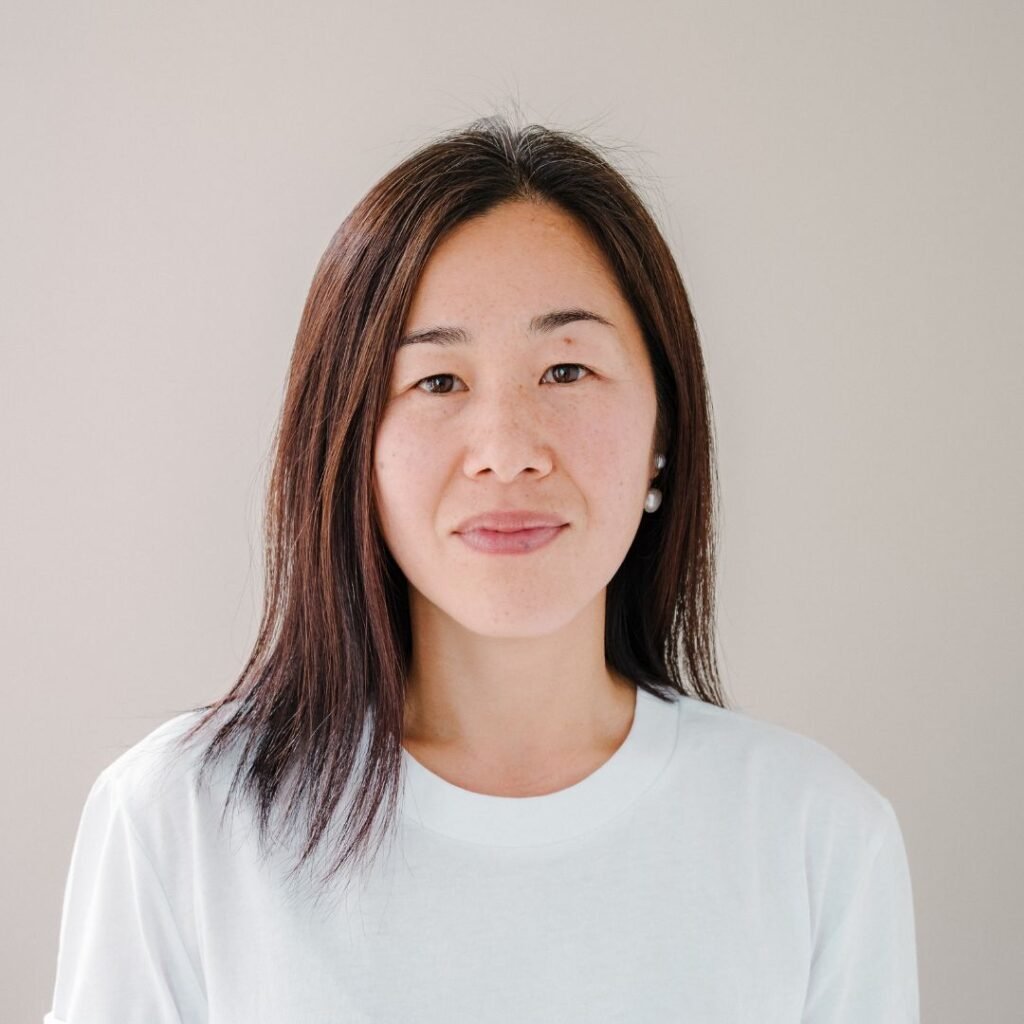
Quick Answer: The 1980s AI photo trend is a viral social media challenge in which users upload a selfie to ChatGPT or Google Gemini and ask the AI to regenerate it as a retro portrait, complete with period accurate hairstyles, clothing, studio lighting, and film grain, while keeping the person’s face recognisable. It has gone viral across Instagram and X in September 2026, with celebrities, cricketers, and even politicians in India joining in. Unlike a simple filter, generative AI tools rebuild the entire image from scratch, which is exactly why it looks so convincing, and why it matters for anyone thinking seriously about the future of AI powered search and content discovery.
If you have scrolled through Instagram or X this month, chances are you have already seen someone you know looking like they walked straight out of a 1985 studio portrait, complete with big hair, bold collars, and warm film tones. It is charming, it is nostalgic, and it is everywhere. But underneath the fun, this trend is quietly showing us how generative AI actually works, and that same mechanism is starting to reshape how people find businesses online. This guide walks you through everything: what the trend is, how it works, exactly how to create your own version with detailed prompt ideas you can adapt, and why marketers should be paying close attention to what it represents.
 What Is the 1980s AI Photo Trend?
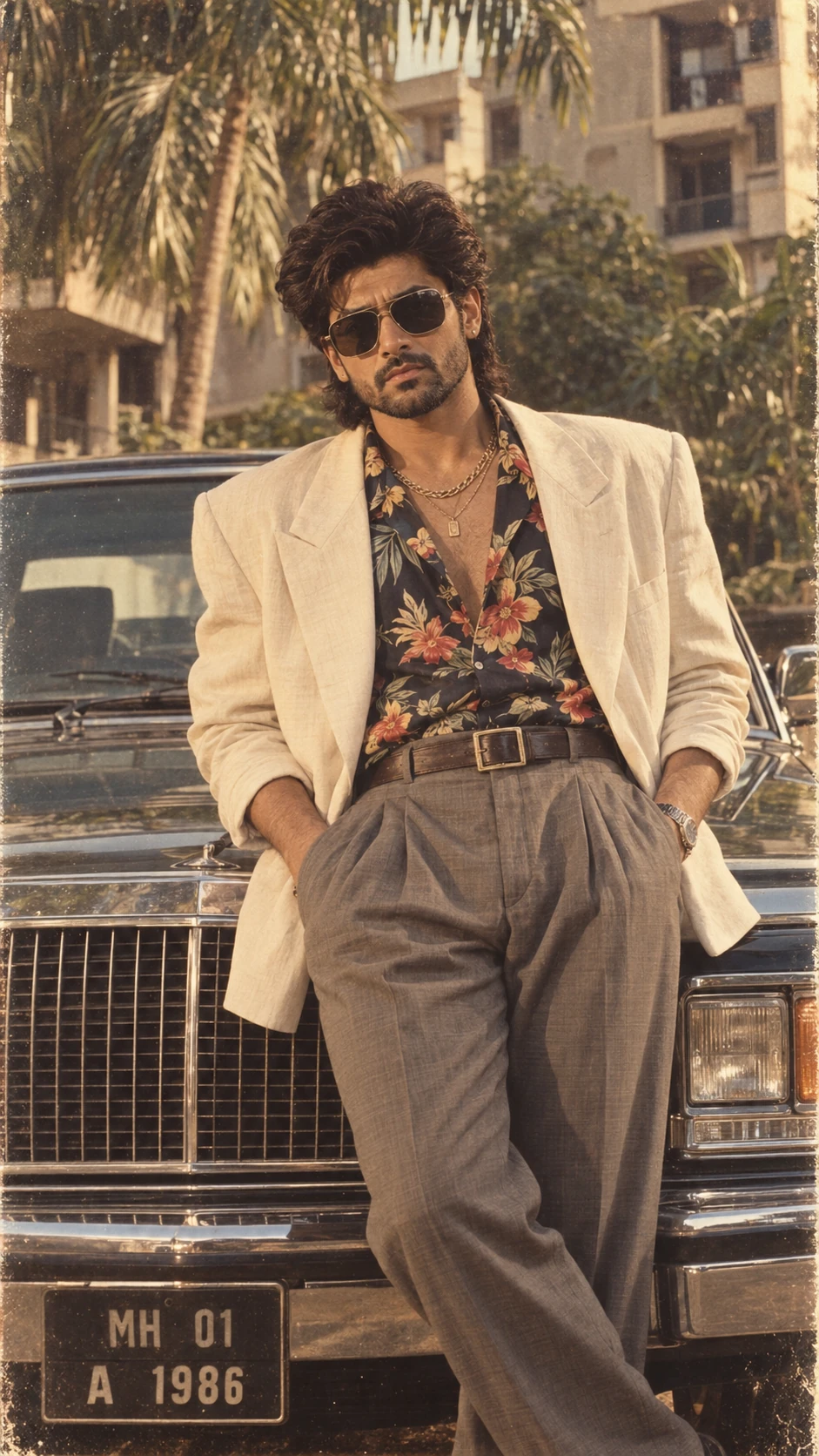
The 1980s AI photo trend is the latest in a series of viral AI image challenges, following on the heels of the Studio Ghibli style portrait trend and the AI action figure trend that swept social media earlier in the year. In each of these waves, people use generative AI models such as ChatGPT’s image tool and Google Gemini to transform an ordinary modern photograph into something that looks like it belongs to a completely different era or art style.
What sets this trend apart from a standard Instagram filter is the underlying technology. A filter takes your existing photo and adds a colour tint, a grain overlay, or a soft focus effect on top of it. The photo itself never actually changes; a layer is simply placed over it. Generative AI does something fundamentally different. It analyses your uploaded photo, understands the instructions in your prompt, and then builds a brand new image from the ground up: new clothing, a new hairstyle, a new backdrop, and new lighting, while working hard to preserve the facial features that make the photo recognisably you.
That distinction, reconstruction instead of overlay, is the entire reason this trend feels so convincing. People are not looking at a tinted version of their own photo. They are looking at what appears to be an entirely different photograph of themselves, taken decades before it was technically possible.
Traditional Filters vs the 1980s AI Photo Trend
| Traditional Filter | 1980s AI Photo Trend |
|---|---|
| Adds a colour tint or grain layer on top | Rebuilds the entire image from scratch |
| Same clothes and same background as the original | Generates a new, period accurate outfit and setting |
| Often looks obviously “filtered” or artificial | Looks like an authentic vintage photograph |
| One click, with little to no customisation | Fully customisable through detailed text prompts |
| Works inside any basic photo editing app | Requires access to a generative AI model like ChatGPT or Gemini |
 Why the 1980s AI Photo Trend Went Viral So Quickly
A handful of factors came together at exactly the right moment to push this trend from a niche AI experiment into a genuine cultural moment across Indian and global social media.
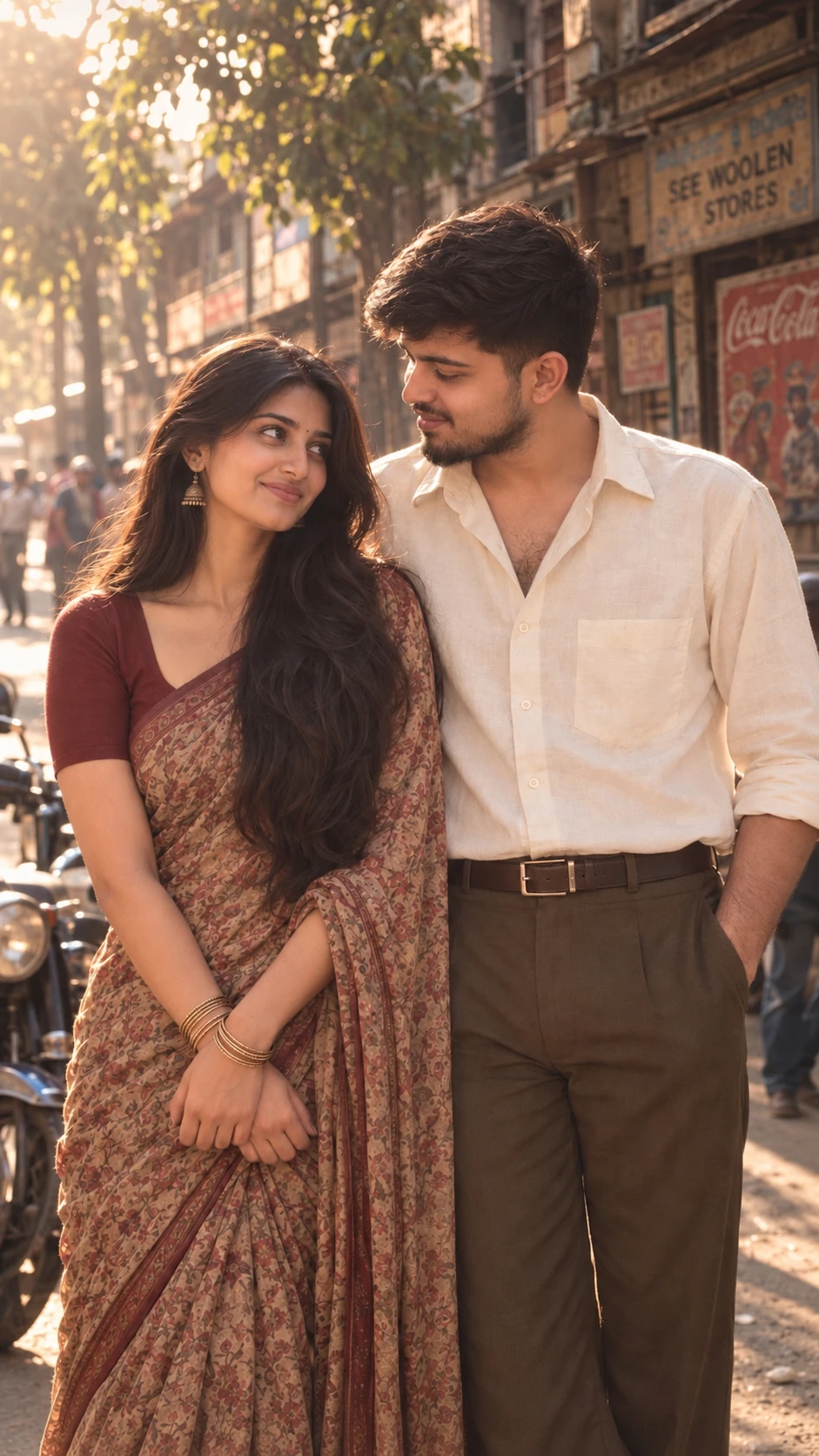
The first and probably biggest driver was celebrity and political amplification. Bollywood stars Kiara Advani and Sidharth Malhotra shared a retro portrait reimagining themselves as a classic 1980s film couple, and the post quickly drew comparisons to iconic on screen pairings from that era. Parineeti Chopra and her husband Raghav Chadha posted their own throwback versions soon after. On the sports side, cricketers including Virat Kohli and KL Rahul appeared in AI generated retro portraits that circulated widely across fan pages.
Politicians were not far behind, and this is where the trend crossed from entertainment into genuinely mainstream territory. Official party social accounts shared vintage style images of Prime Minister Narendra Modi captioned playfully around his “1980s era”, while opposition affiliated accounts shared their own AI generated retro portraits of senior leaders. When a trend moves from celebrity Instagram accounts into political messaging, it has usually already reached near universal audience penetration.
The second driver was simply how little effort the trend demands relative to how polished the output looks. Anyone with a smartphone and a free ChatGPT or Gemini account can produce a genuinely impressive, shareable portrait in under two minutes, with no design skill, no editing software, and no learning curve required.
The third driver was Instagram’s own product design. The trend spread rapidly through Instagram Stories using the “Add Yours” sticker, a feature specifically built to turn a single post into a visible chain of participation across a person’s entire network. Every time someone posted their retro portrait, their followers were shown a direct, one tap invitation to create their own.
This combination, an accessible AI tool, celebrity and institutional validation, and a platform feature engineered for resharing, is a genuinely repeatable playbook. It is the same underlying mechanism that powered the Ghibli art trend and the AI action figure trend before it, and it is worth studying closely if you are planning a content marketing strategy for your own brand.
 How the AI Actually Creates a “1980s” Photo
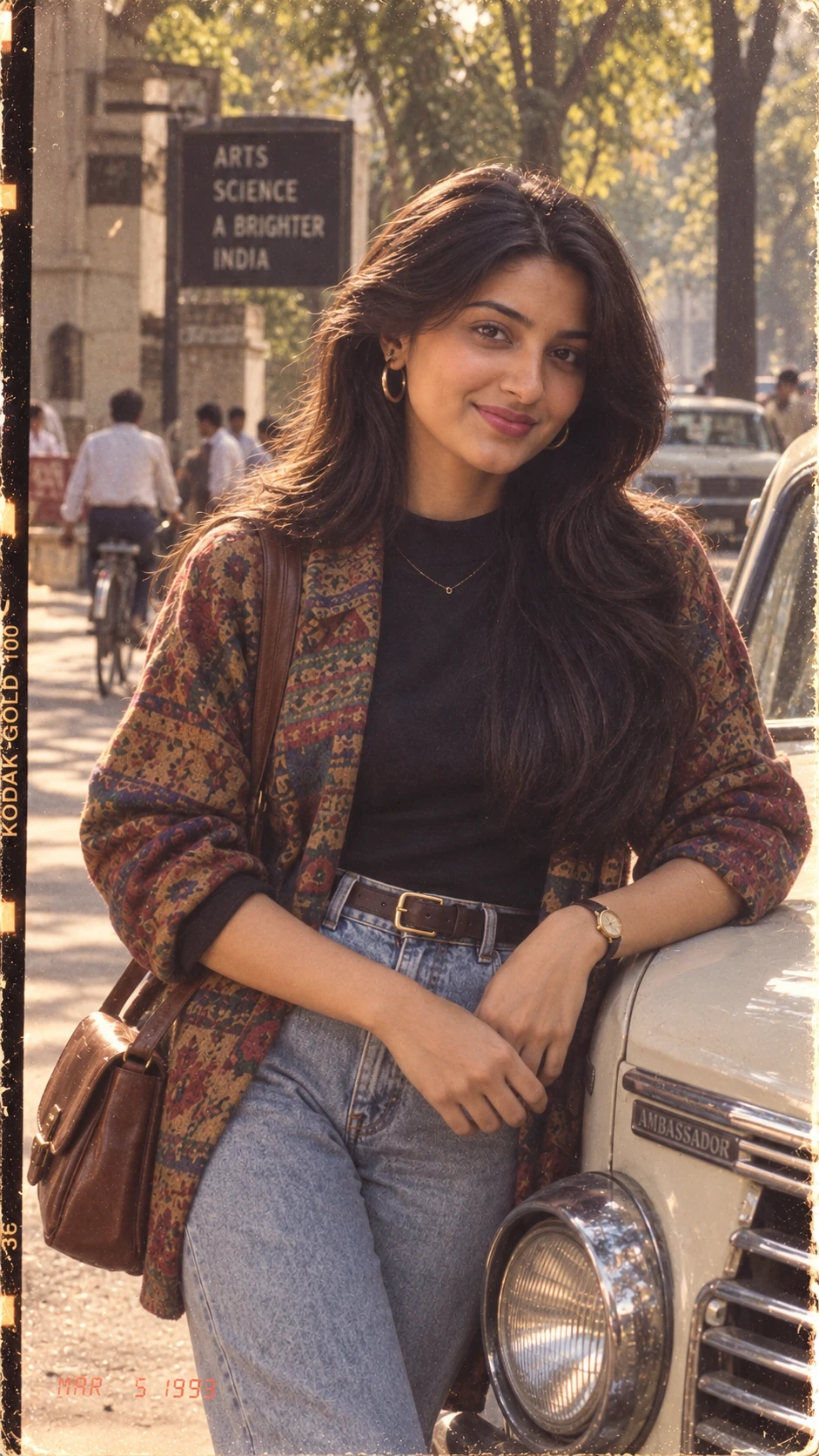
Generative image models like ChatGPT’s image tool and Google Gemini do not simply apply an effect to your photo. They interpret a text prompt alongside your uploaded image and generate a completely new image that satisfies the description, while attempting to keep your facial structure intact throughout the process. Here is what is actually happening, described in plain, non technical terms.
The model begins with facial preservation. It analyses your uploaded photo to identify the core features that make your face uniquely yours, things like eye shape, nose structure, and overall facial geometry, and it is instructed to leave these largely unchanged even as everything else around them is rebuilt.
Next comes style transfer through the prompt itself. The AI applies a “decade” style profile that it has learned from enormous volumes of training images: characteristic 1980s lighting setups, period accurate hairstyles, clothing silhouettes of that specific decade, and camera characteristics like visible film grain and softer focus that mimic analogue photography rather than a modern digital sensor.
Finally, the model performs full scene reconstruction. Backgrounds, props, and studio setups are generated entirely fresh rather than borrowed from your original photo, which explains why results can range so widely, from a formal Bollywood style studio shot, to a casual vintage family photograph, to a glittering disco themed portrait, depending entirely on what the prompt asks for.
Understanding this “generate, do not filter” mechanism matters well beyond photo trends. It is the exact same underlying shift currently reshaping how AI systems generate answers inside search engines, a topic we will return to shortly.
Step by Step: How to Create Your Own 1980s AI Photo
Step 1: Choose the Right Base Photo
Start with a clear, well lit, front facing photo that has no filters applied and no accessories covering your face, such as sunglasses or scarves. Good lighting and sharp facial detail in the original image have a direct and noticeable impact on how realistic the final generated portrait looks.
Step 2: Open ChatGPT or Google Gemini
Both tools support photo upload combined with a text prompt inside the same conversation, on either the mobile app or the desktop browser version, so use whichever platform you already have an account with.
Step 3: Upload Your Photo
Attach the image directly inside your chat with the AI, the same way you would attach a photo to any messaging app.
Step 4: Describe the Look You Want in Detail
Vague instructions like “make this look like the 1980s” tend to produce inconsistent, generic results. Descriptions that clearly explain the clothing, the setting, the lighting style, and an explicit instruction to preserve facial identity consistently produce far more accurate and believable results. The five ideas below will help you frame exactly what to say.
Step 5: Review, Regenerate, and Share
Generate two or three variations before settling on your favourite, since results can differ meaningfully between attempts even with an identical prompt. Once you have a version you like, share it through an Instagram Story, a feed post, or wherever your audience is most active.
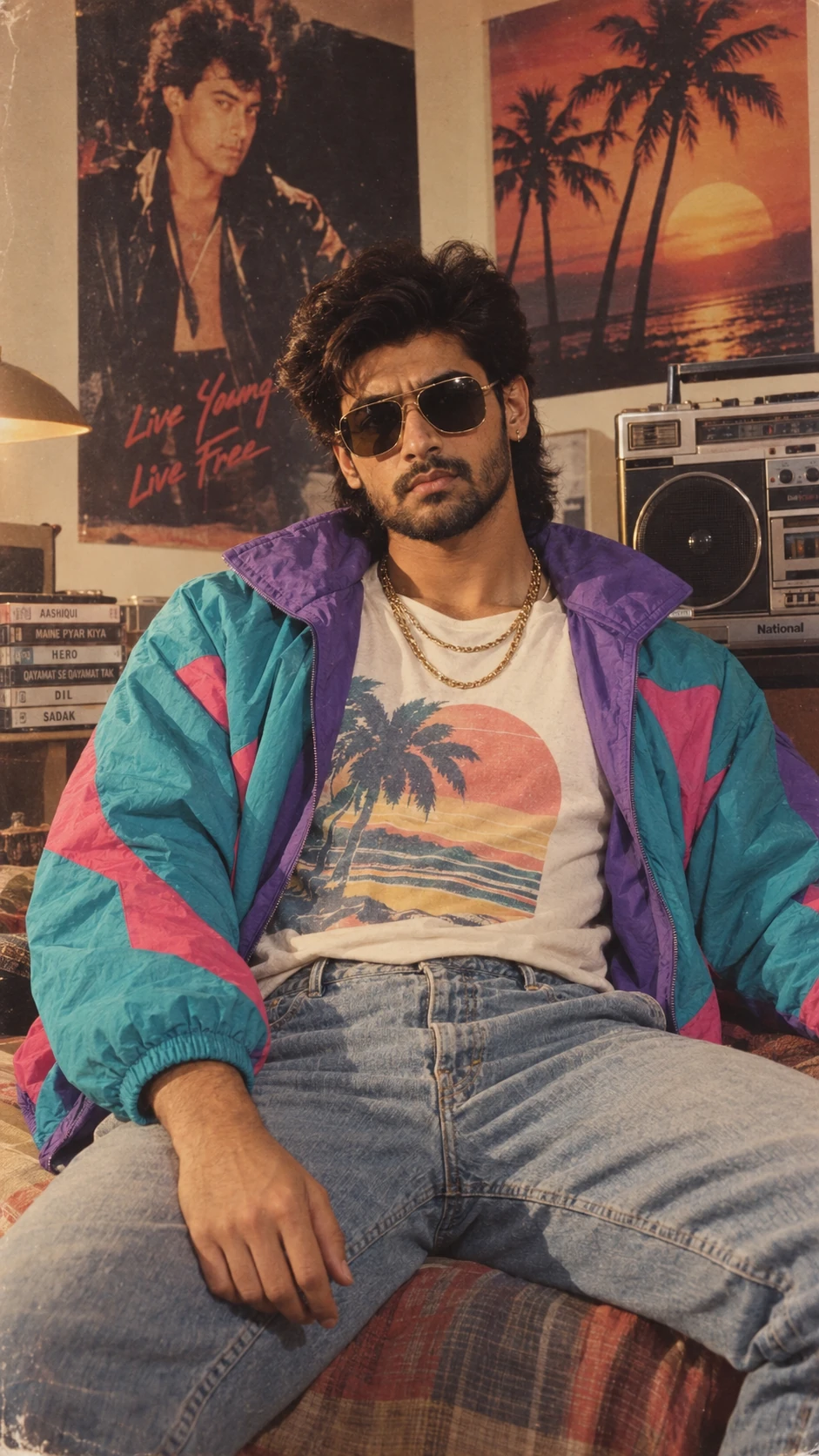 Five Prompt Ideas for the Viral 1980s Photo Trend
Rather than typing a single vague line and hoping for the best, it helps to think through the mood, setting, and details you actually want before you start typing into ChatGPT or Gemini. Here are five distinct directions worth trying, each explained in enough detail that you can adapt the description in your own words while keeping the key elements that make it work.
The first and most reliable option is the classic studio portrait. This is the safest starting point if you want a genuinely convincing, timeless result, because it mirrors exactly what a real 1980s photo studio would have produced. Ask the AI to use your uploaded photo as the base and recreate you as though you had walked into a professional photo studio sometime in the mid 1980s. Describe the hair as voluminous and carefully styled, the lighting as soft and warm rather than harsh or clinical, and the overall colour palette as slightly faded with a subtle layer of film grain running through the image, the kind you would expect from a physical print that has aged gracefully in a family album. The most important line to include, no matter how you phrase the rest, is a direct instruction to keep your facial features, expression, and identity exactly the same as the original photo, since this is what stops the studio styling from overwhelming your actual likeness.
The second idea leans into Bollywood glamour, which is especially popular among Indian users chasing that unmistakable eighties Hindi cinema aesthetic. For this version, describe the transformation as a classic 1980s Bollywood style portrait rather than a generic western studio shot. Mention bold, expressive makeup, statement clothing with strong colours or patterns typical of that era’s film posters, a dramatic studio backdrop that feels theatrical rather than plain, and warm, slightly golden cinematic lighting with a touch of grain layered over the top. As with every version of this prompt, make sure to explicitly ask the AI not to change your face shape or facial features, since the dramatic styling in this particular direction can sometimes tempt the model to alter proportions more than you would like.
The third direction, and often the most emotionally resonant one, is the family album approach. Instead of a polished studio look, this version asks the AI to imagine your photo as though it were an old, slightly faded family photograph pulled out of a physical album from the 1980s. Describe the colours as gently faded rather than vivid, the backdrop as a simple household setting or an unremarkable studio background rather than anything theatrical, the clothing as casual and period appropriate, and your expression as natural and unposed, the way people actually looked in candid family photos rather than professional shoots. Again, close with a clear instruction to preserve your exact facial identity throughout the transformation.
The fourth option takes a bolder, more editorial direction by framing the result as a 1980s magazine cover. This works particularly well if you want something with more visual punch for a feed post rather than a quiet, nostalgic feel. Describe the composition as bold and confident, with dramatic lighting, voluminous hair, and vibrant, eye catching vintage fashion that feels like it belongs on a glossy cover rather than a family photograph. You can even mention that the composition should leave a sense of space as though a magazine title and headline could be placed around it, which tends to push the AI toward a more polished, high contrast result. Once more, remind the AI to keep your face recognisable and unaltered.
The fifth and final idea is the disco or night out scene, which is the most playful and visually dramatic of the five. Here you are asking the AI to reimagine your photo inside a 1980s disco setting, complete with glittering ambient lights, bold retro fashion, dramatically styled hair, and a lively nightlife backdrop, all finished with a layer of film grain to keep the vintage feeling consistent with the rest of the scene. Because this setting involves the most dramatic lighting and background changes of all five ideas, it is especially important to end with a firm instruction asking the AI to maintain your original facial structure and identity throughout, so the dramatic scene around you does not end up overpowering the parts of the photo that actually need to stay familiar.
Whichever of these five directions you choose, one small addition consistently makes a noticeable difference: explicitly telling the AI not to alter your facial structure or proportions. It sounds like a minor detail, but it is often the single instruction that stops a generated portrait from drifting too far from your real appearance, and it is a good general habit to carry into any future prompt you write for a personal photo.
ChatGPT vs Google Gemini for This Trend: Which Should You Use?
Both tools can produce excellent results, but they behave a little differently. ChatGPT’s image generation tends to follow long, highly detailed prompts closely and handles complex scene descriptions well, which makes it a strong choice if you want to specify very particular styling, like a specific saree pattern or a named studio backdrop. Google Gemini, being deeply integrated with Google’s broader ecosystem, tends to produce slightly more photorealistic lighting in some cases and is a convenient option if you are already using Gemini through Google Photos or the Gemini app on an Android device.
In practice, the honest answer is to try both. Since generating an image typically takes only a few seconds, testing the same description on both platforms and comparing the results costs you almost nothing and often produces a noticeably better final image than committing to just one tool.
What This Viral AI Trend Teaches Brands About AI and Search
This is where a viral photo trend becomes genuinely useful information for marketers, business owners, and anyone responsible for a brand’s online visibility, because the same underlying shift powering these AI photo tools is simultaneously reshaping how people discover information, including how they find and evaluate businesses.
Generative AI Does Not Just Edit, It Reconstructs and Synthesises
The same principle behind the 1980s photo trend, an AI model generating a fresh output from a prompt rather than modifying an existing asset, is exactly how AI powered search results such as Google’s AI Overviews work in practice. Instead of simply listing ten blue links for a user to click through, AI Overviews synthesise information pulled from multiple sources into a single generated answer displayed directly on the results page. Just as the photo trend rewards specific, well structured prompts, AI Overviews reward web content that is clearly organised, answers the query directly, and demonstrates genuine subject matter expertise. This is the core idea behind investing in dedicated AI SEO services, which focus on optimising content not just for traditional ranking factors, but for the way generative engines read, summarise, and choose to cite web pages.
Answer First Content Wins in an AI Driven Search Landscape
Notice how this very article opens with a direct, concise answer before moving into deeper detail. That structure is not accidental, it deliberately mirrors how AI Overviews and other answer engines extract information from a page: they consistently favour content that states the core answer clearly within the first few lines, and only then supports that answer with structured detail, comparison tables, and examples. Brands that want genuine visibility inside AI generated answers typically need a proper technical SEO audit to identify where their existing content buries the answer too deep, rather than surfacing it early where both readers and AI crawlers expect to find it.
Trend Jacking Is a Legitimate, Underused Content Strategy
The speed at which celebrities, cricketers, and political parties jumped on the 1980s AI trend illustrates just how quickly relevant, well timed content can generate organic reach without any paid promotion at all. Businesses can apply the exact same logic on a smaller, more targeted scale: publishing timely commentary, practical guides, or free tools tied to trending topics within their own industry tends to drive natural backlinks, social shares, and search visibility far faster than purely evergreen content ever could on its own, and a broader digital marketing services plan should always leave room for this kind of fast turnaround, culturally relevant content alongside longer term evergreen assets.
Visual and Multimodal Content Is the Next Real SEO Frontier
The 1980s photo trend is, at its core, a multimodal content trend: an image combined with a text prompt produces an entirely new asset. Search engines are becoming multimodal in exactly the same way, increasingly indexing and interpreting images, video, and text together rather than treating them as separate signals, a shift Google has documented extensively in its own guidance on how search ranking works. Brands investing in local SEO services and broader organic visibility should already be optimising images with genuinely descriptive alt text and structured context, because AI driven search systems are increasingly capable of “reading” visual content directly, not just the surrounding text on a page.
A Short Timeline of Viral AI Photo Trends
It is worth zooming out for a moment, because the 1980s trend is not an isolated event, it is part of a clear and accelerating pattern. Earlier in the year, the Studio Ghibli style portrait trend saw millions of users transform their photos into the hand drawn, painterly aesthetic of the famous Japanese animation studio, sparking widespread conversation about AI and artistic style. Shortly after, the AI action figure trend had people generating images of themselves packaged like collectible toys, complete with blister packs and printed accessories. The 1980s trend follows the exact same emotional formula as both: take something deeply personal, a photo of your own face, and use AI to reframe it inside a familiar, nostalgic, or aspirational visual language. Expect this pattern to keep repeating with new decades, new art styles, and new fictional aesthetics as generative AI tools continue to improve and become more accessible to everyday users.
Practical Tips for a More Realistic 1980s AI Photo
Use a high resolution, well lit photo with your full face clearly visible and unobstructed. Avoid sunglasses, masks, or heavy filters on the original image before you upload it. Be genuinely specific about clothing, setting, and lighting rather than relying on vague, general instructions. Always include a clear instruction asking the AI to preserve your facial structure and identity. Generate two or three variations before choosing a final favourite, since results can vary noticeably even from a very similar description. If the AI significantly alters your facial features in a way you do not like, simply try again with a stronger, more explicit identity preservation instruction added to your description.
Is the 1980s AI Photo Trend Safe to Try?
Generally speaking, yes, though a few sensible precautions are worth keeping in mind. Check the privacy and data policy of whichever platform you are using before uploading personal photos, particularly if the photo includes other identifiable people who have not consented to being part of an AI experiment. Avoid uploading photos of minors without appropriate parental consent, since most major AI platforms explicitly restrict or discourage this kind of use. Be thoughtful about impersonation concerns if you are recreating a public figure’s likeness rather than your own personal photo. Finally, consider watermarking or clearly captioning AI generated images before sharing them publicly, so that your audience understands the image is AI generated rather than an authentic historical photograph.
Frequently Asked Questions
What apps can I use for the 1980s AI photo trend? ChatGPT and Google Gemini are the two most widely used tools for this trend, since both support photo upload combined with detailed text prompts for genuine image generation rather than simple filtering.
Is the 1980s AI photo trend free to try? Both ChatGPT and Google Gemini offer free tiers that support image generation, although usage limits, waiting times, and maximum image quality are typically higher on their respective paid subscription plans.
Why do some AI generated 1980s photos not look like me? This usually happens when the description does not explicitly instruct the AI to preserve facial structure, or when the original uploaded photo is low resolution, poorly lit, or taken from an extreme or unusual angle.
How is this trend different from a Snapchat or Instagram filter? A filter overlays a visual effect on top of your existing photo without changing the underlying image. This trend uses generative AI to reconstruct an entirely new image, including new clothing, a new background, and new lighting, based on a detailed description, which is exactly why the final results look so much more authentic than a standard filter.
What does a photo trend like this actually have to do with SEO? The same generative AI principles behind this photo trend, prompt based synthesis, structured input, and deliberate identity or context preservation, are the same principles now driving AI generated search results like Google’s AI Overviews. Understanding how generative AI interprets structured input is directly relevant to building an effective, modern AI SEO strategy for any business.
Will this kind of AI trend keep happening? Almost certainly. The Ghibli art trend, the AI action figure trend, and now the 1980s photo trend all follow the same pattern of applying generative AI to personal photos in a nostalgic or aspirational way, and as the underlying models keep improving, new variations of this same idea are likely to keep appearing on social media on a fairly regular basis.
Final Thoughts
The 1980s AI photo trend is a genuinely fun, low effort way to see a nostalgic version of yourself, but it is also a small, highly visible example of a much larger shift already well underway. Generative AI is moving decisively from simply “editing what already exists” toward “creating new, synthesised output from a well structured description.” That exact same shift is playing out right now inside search engines through AI Overviews and other generative answer engines, and it is changing how, where, and why people find businesses online.
Brands that understand this shift early, by publishing clear, answer first, well structured, and genuinely authoritative content, will be the ones search engines and AI systems choose to trust and cite when it matters most. If you want your business’s content built specifically for this new AI driven search landscape, explore SEO Inventiv’s AI SEO services to see how a structured, expertise led content strategy can help your brand stay visible, whether someone is searching on Google, asking ChatGPT a question, or reading an AI generated overview at the top of the results page.